Re-check your controls on a schedule.

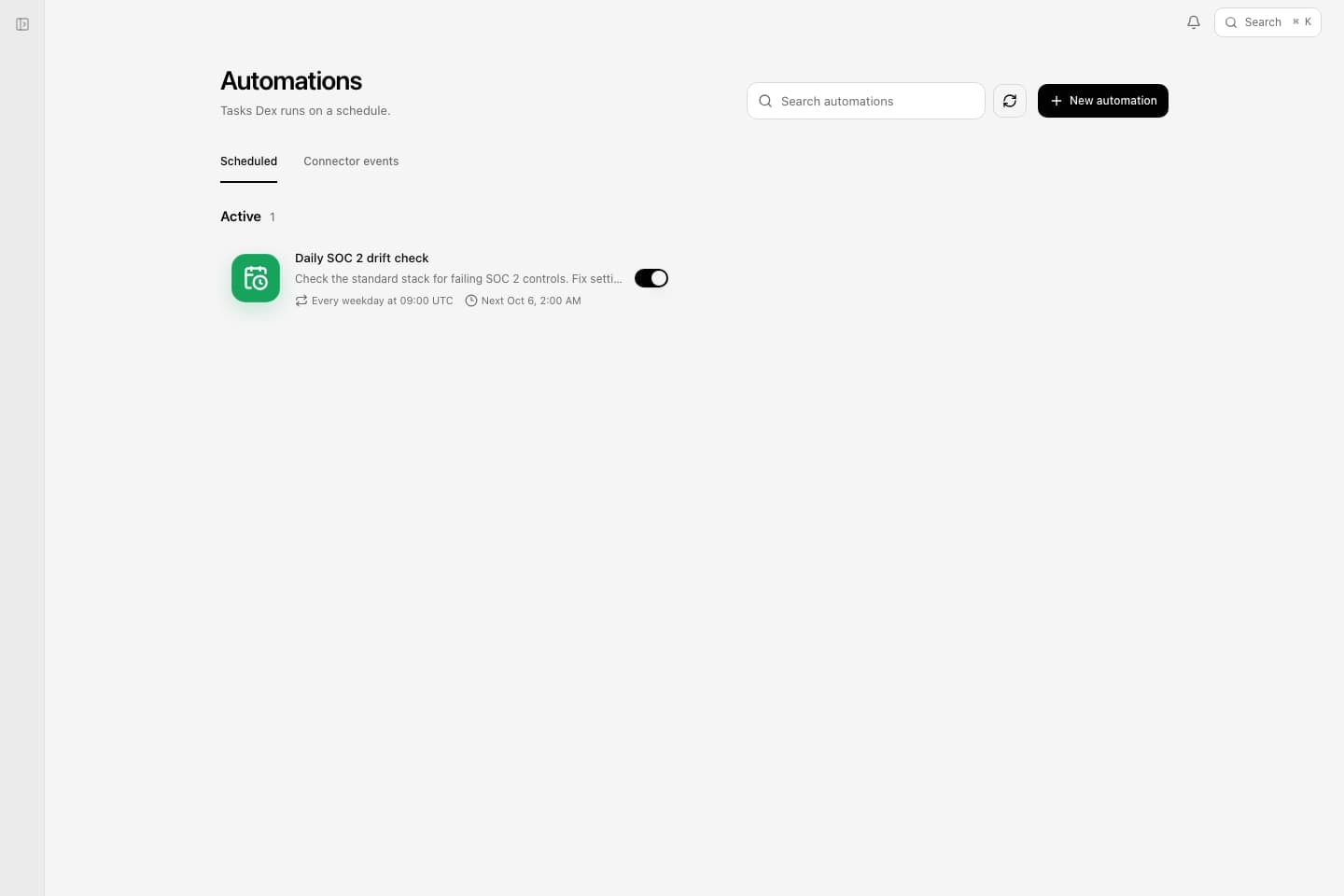
Set a routine to re-run a control check every night, or when a connected tool sends an event. A failing control goes to a fix within your policy or to a named approver, and every run has a step, cost, and runtime limit.
- What Dex should doReview the pipeline and flag deals that slipped
- Routine timingEvery Monday at 09:00 UTC
- Connector eventsAlso runs when a new escalation arrives in Zendesk
- Before taking actionDex will ask before taking action.
- Limits per runSteps, tool calls, tokens, cost, and runtime
- Where Dex posts updatesThe revenue channel in Slack
On a schedule
Every hour, every morning, the first of the month, or any schedule you write.
When something happens
A new ticket, a calendar change, or a pull request comment starts Dex as the event arrives.
Asks before it acts
A routine stops and waits for approval before it changes anything that needs a named approver.
A budget on every run
Set how long a run can take and what it can spend.
Monday pipeline reviews, too
Routines also run the recurring business work, such as the nightly spend check.
Hand off the work that repeats
Shared by every surface.
Use it with Dex on every surface, alongside company context that existing agents read over MCP.