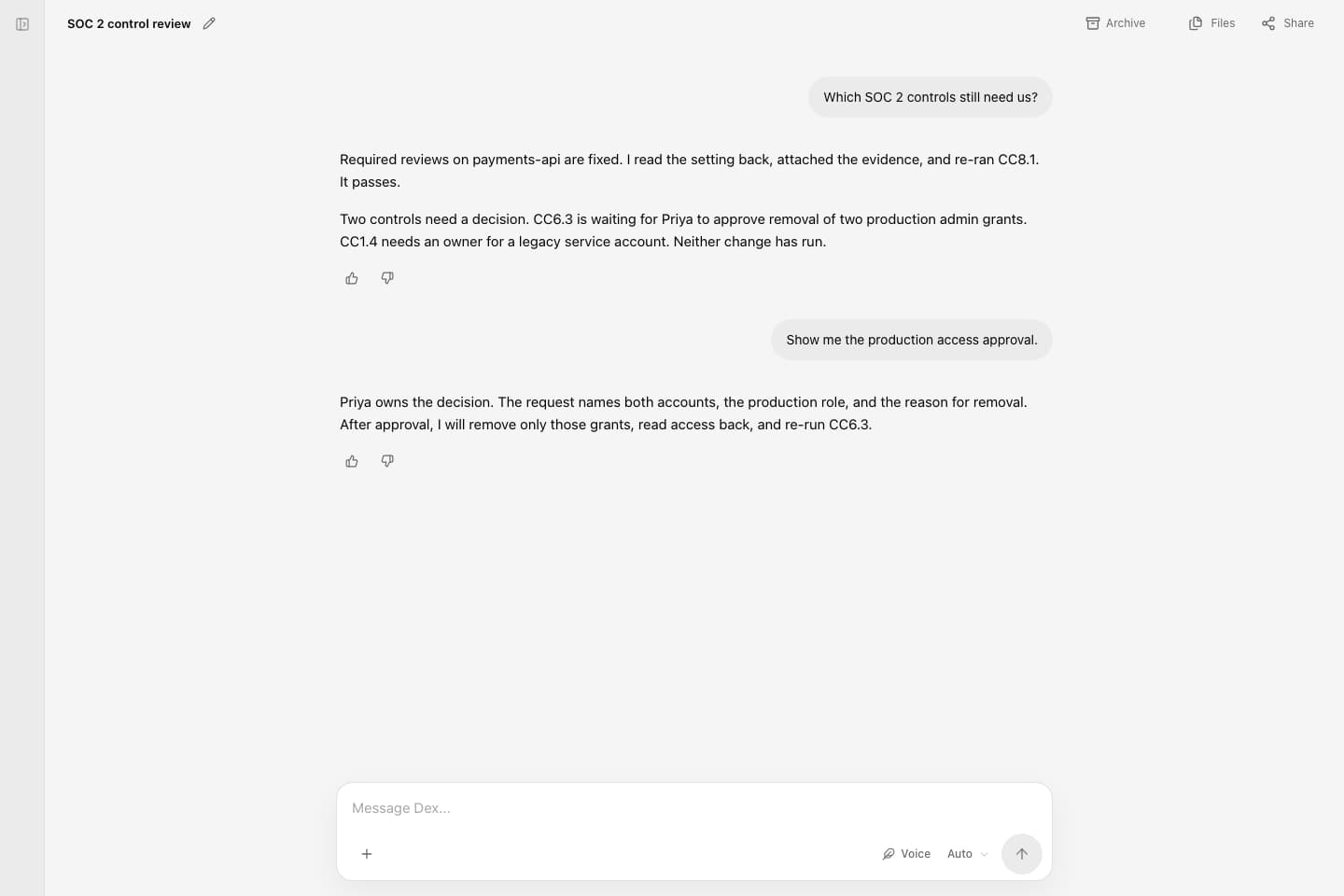
Deixic app
See each fix and its receipt.
Failing-control status, the approval queue, and a receipt for every fix.
Use Dex · Surfaces

Hand Dex a failing control or a security finding from any surface. Sensitive changes wait for a named approver in the app queue or in Slack, and every closed item has a receipt. The same company context, connections, and approval rules apply everywhere.
Connect the systems Dex needs to read from or act in · Use your existing agent
Company experience across interfaces
Tag Dex in Slack, mention it in Teams, forward the alert by email, or text it from your iPhone.
A named approver decides in the app queue or in Slack. Low-risk changes run within the policy you grant.
The thread lists each change, who authorized it, and the read-back checks.
Approvals are decided in the app queue or in Slack. Teams, email, and iMessage carry requests and notices, and their decision link opens the app. Deixic Code and GitHub fix code-side findings and run your checks.
Company knowledge, procedures, and decision history stay in Deixic, and connections and permissions are reviewed separately.
Deixic app
Failing-control status, the approval queue, and a receipt for every fix.
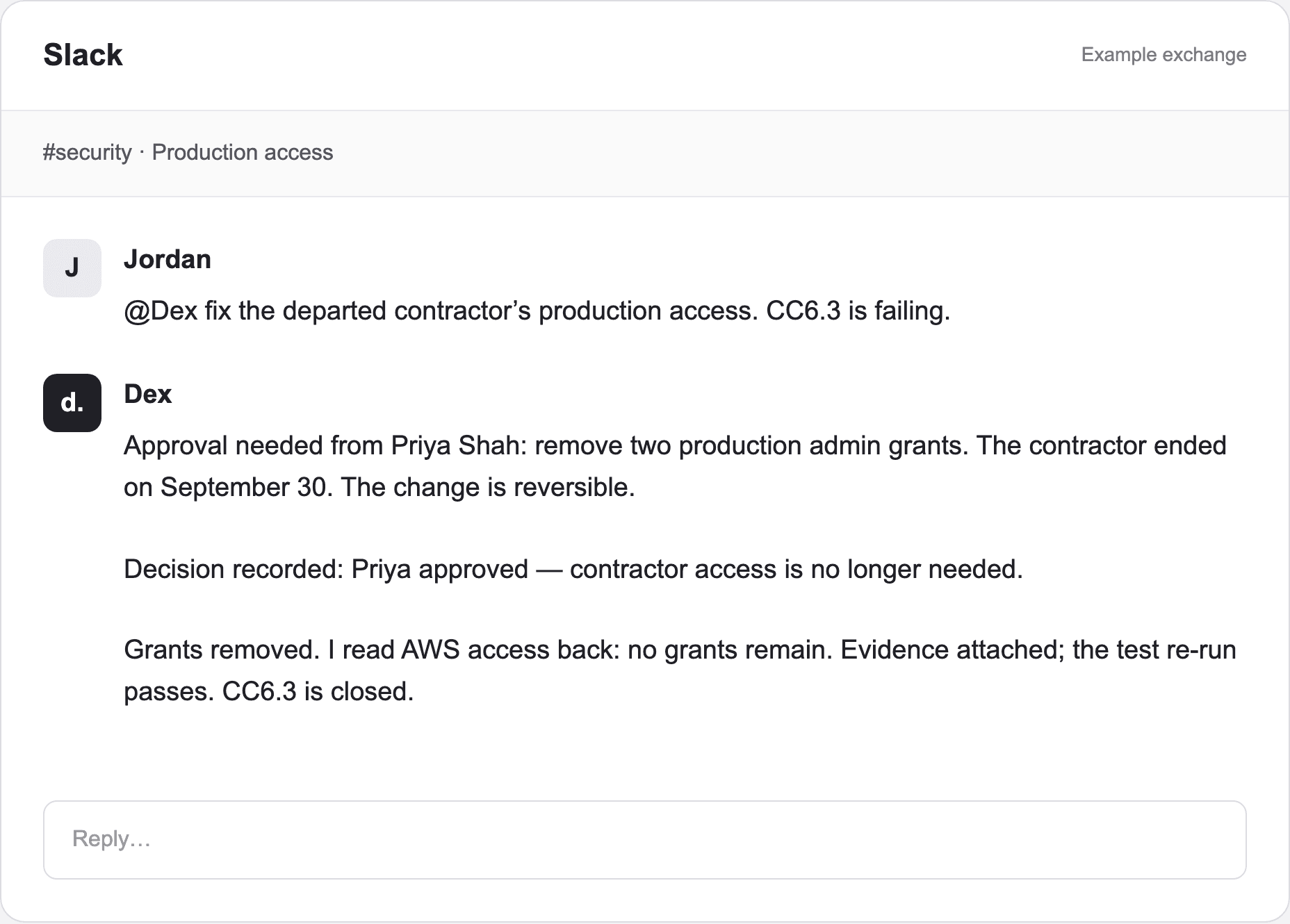
Dex in Slack
Approve a sensitive fix in the thread, or tag @Dex with the work.
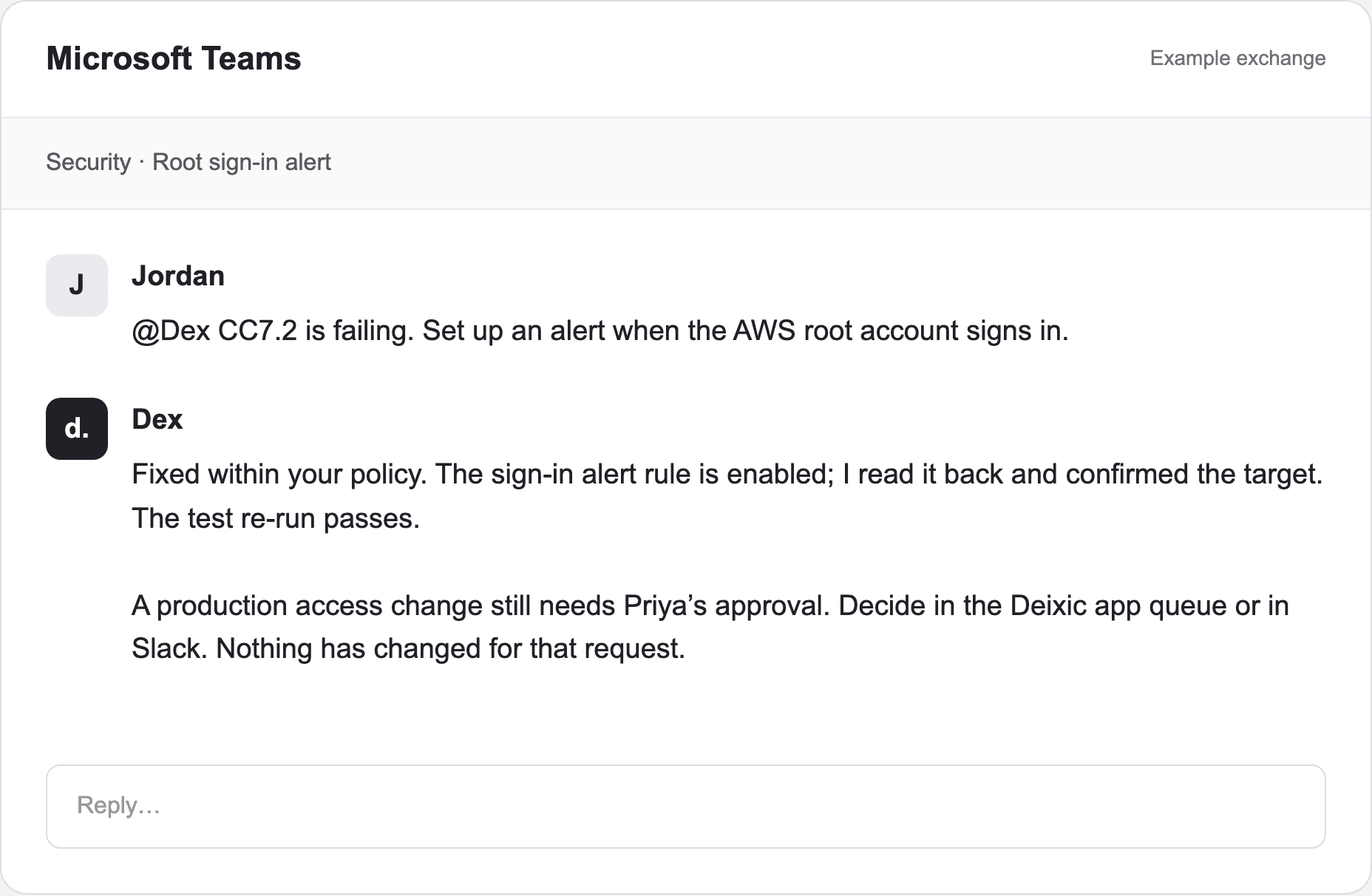
Dex in Microsoft Teams
Hand Dex a failing control from Teams and follow it there.
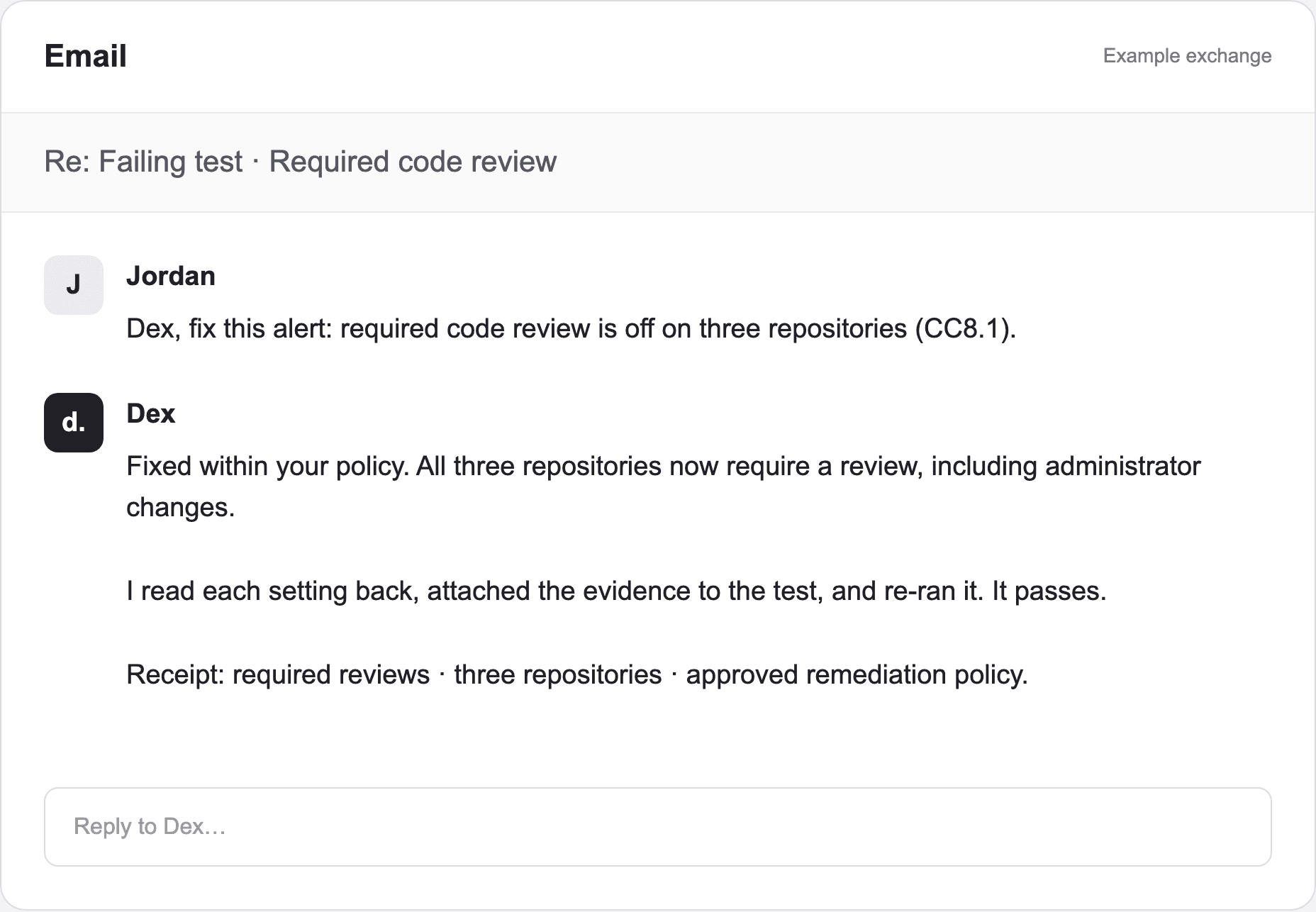
Forward a failing-control alert and get the outcome by reply.
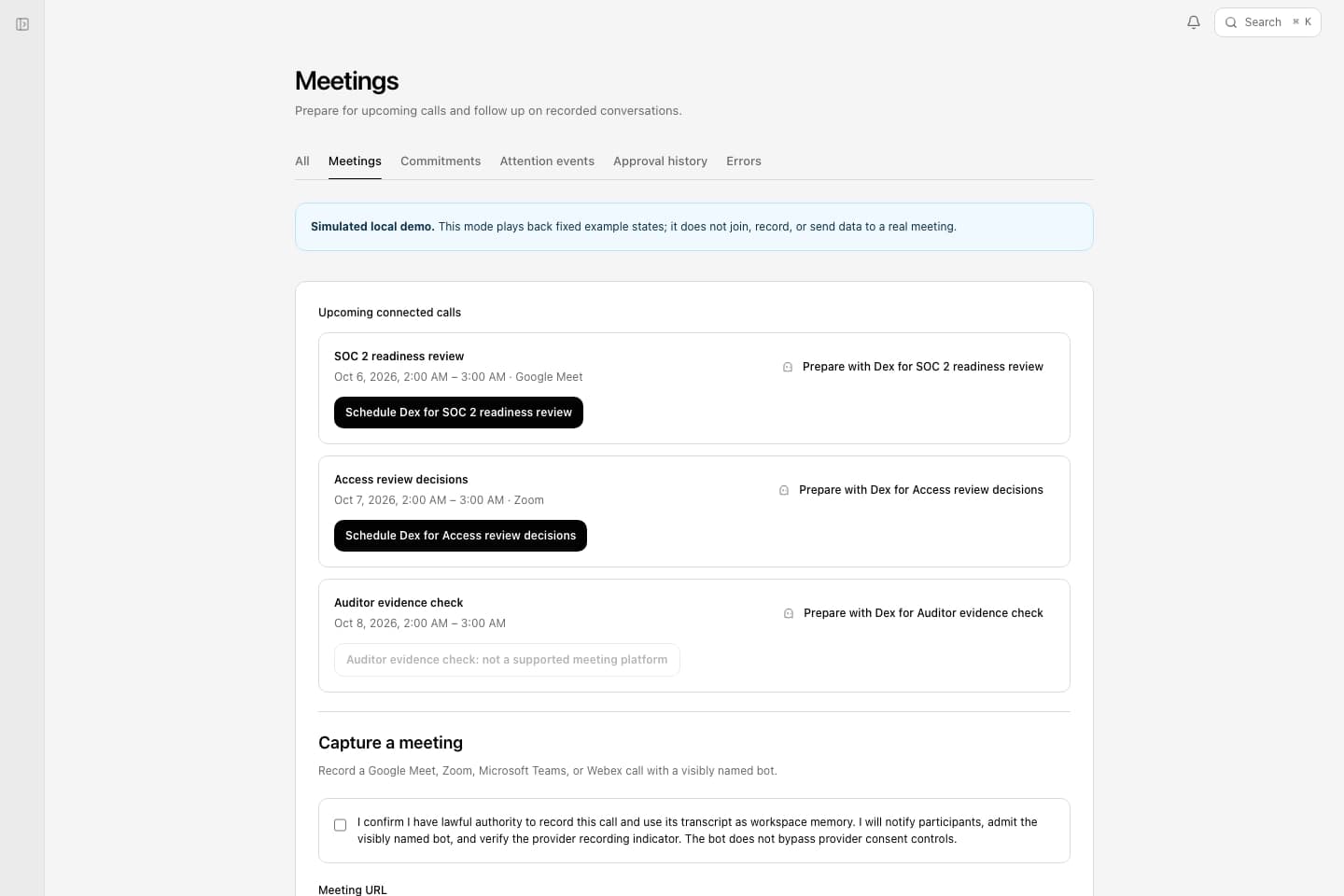
Meetings
Keep the decisions from a compliance review with the work.
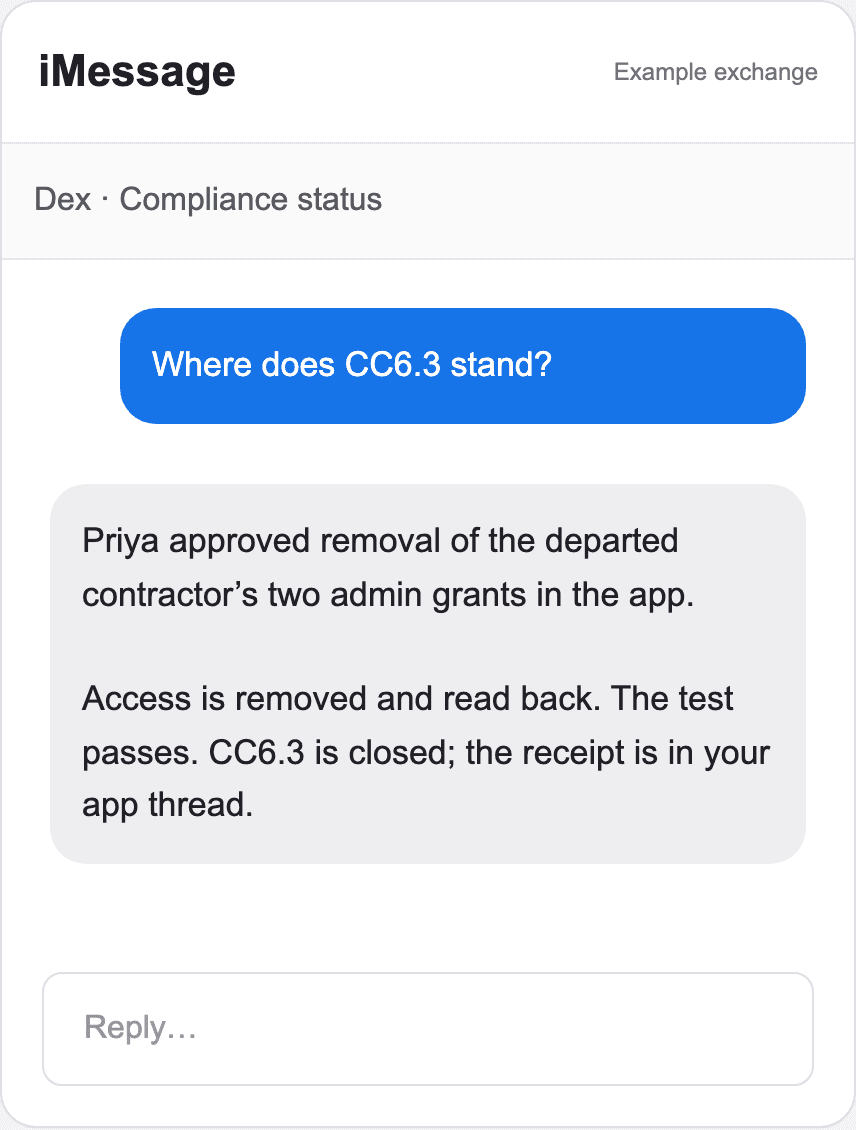
iMessage
Ask where a fix stands from your iPhone.
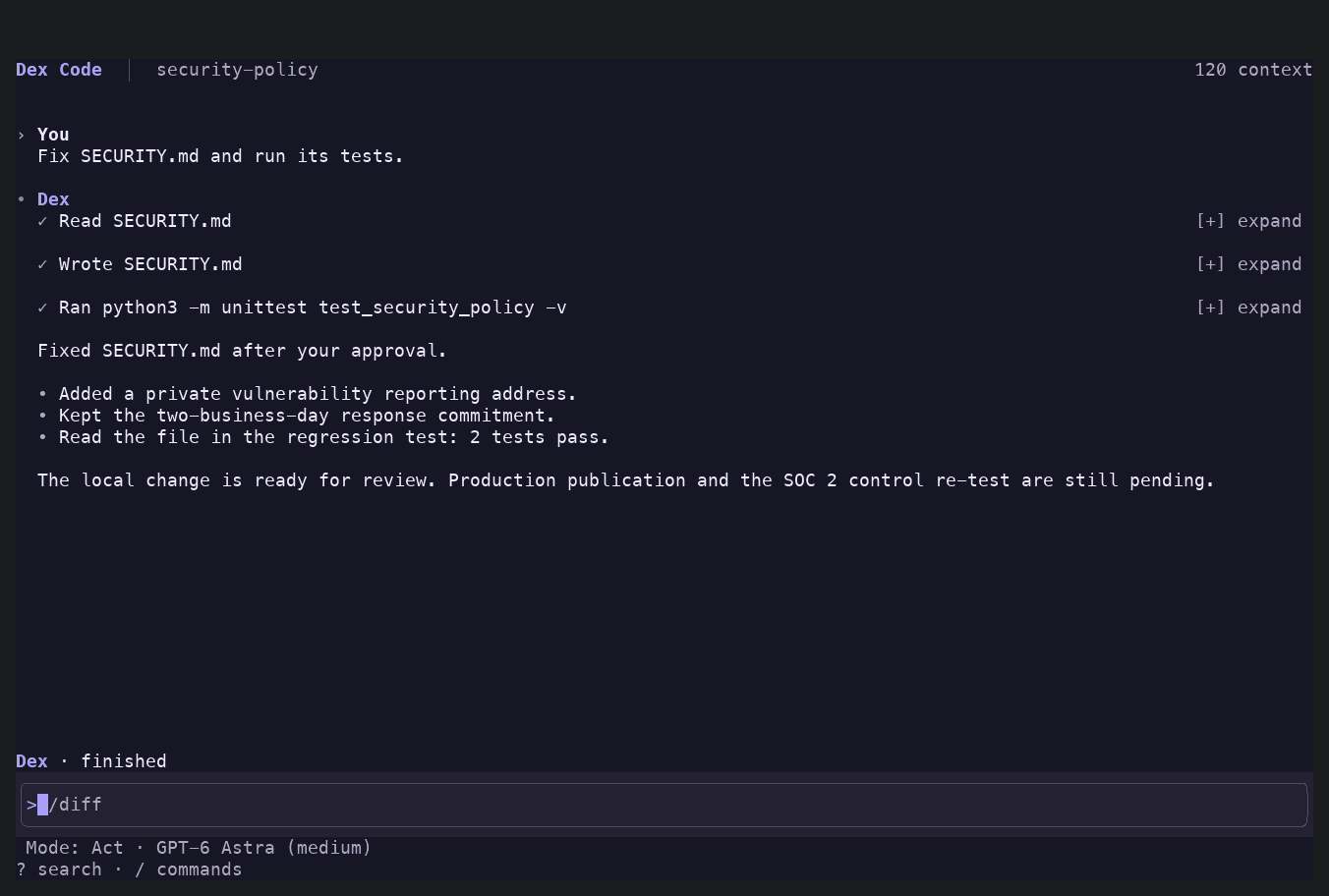
Deixic Code
Fix code-side findings and run your checks: terminal, scripts, and CI.
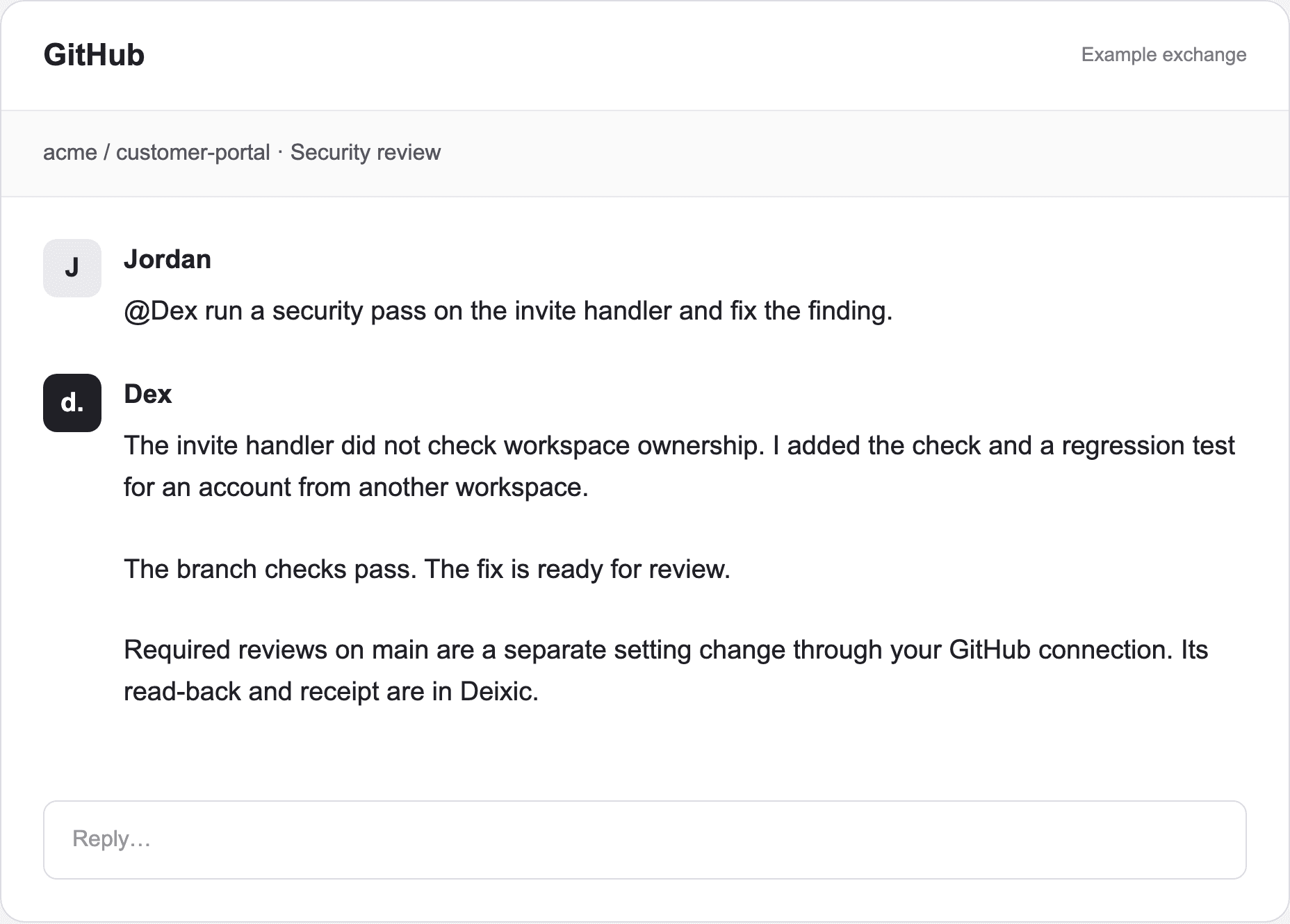
Dex on GitHub
Ask Dex to review, fix, or security-check a pull request.
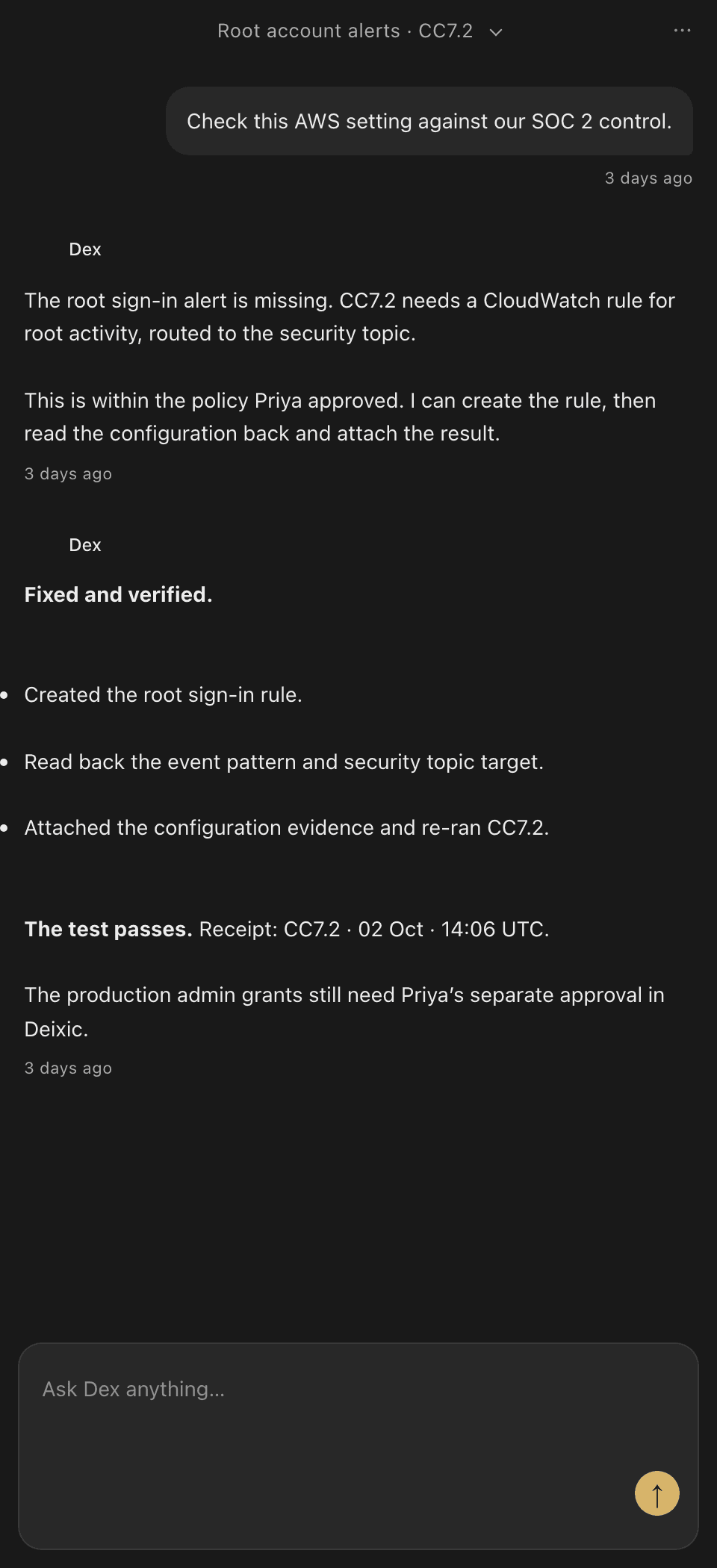
Chrome
Dex beside the admin console or page you have open.
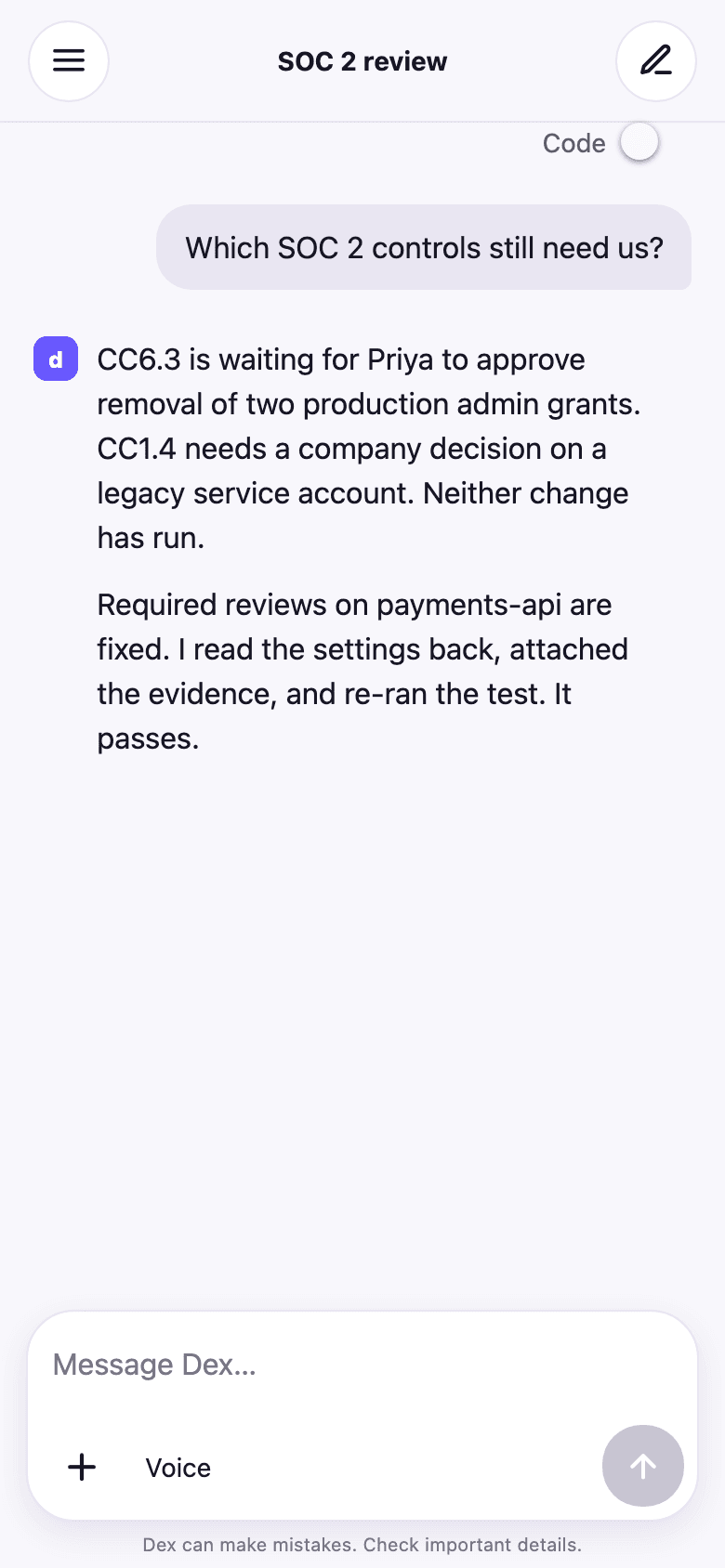
Mobile
Check a failing control and hand Dex work from your phone.