SurfacesAvailable
Dex, next to every tab.

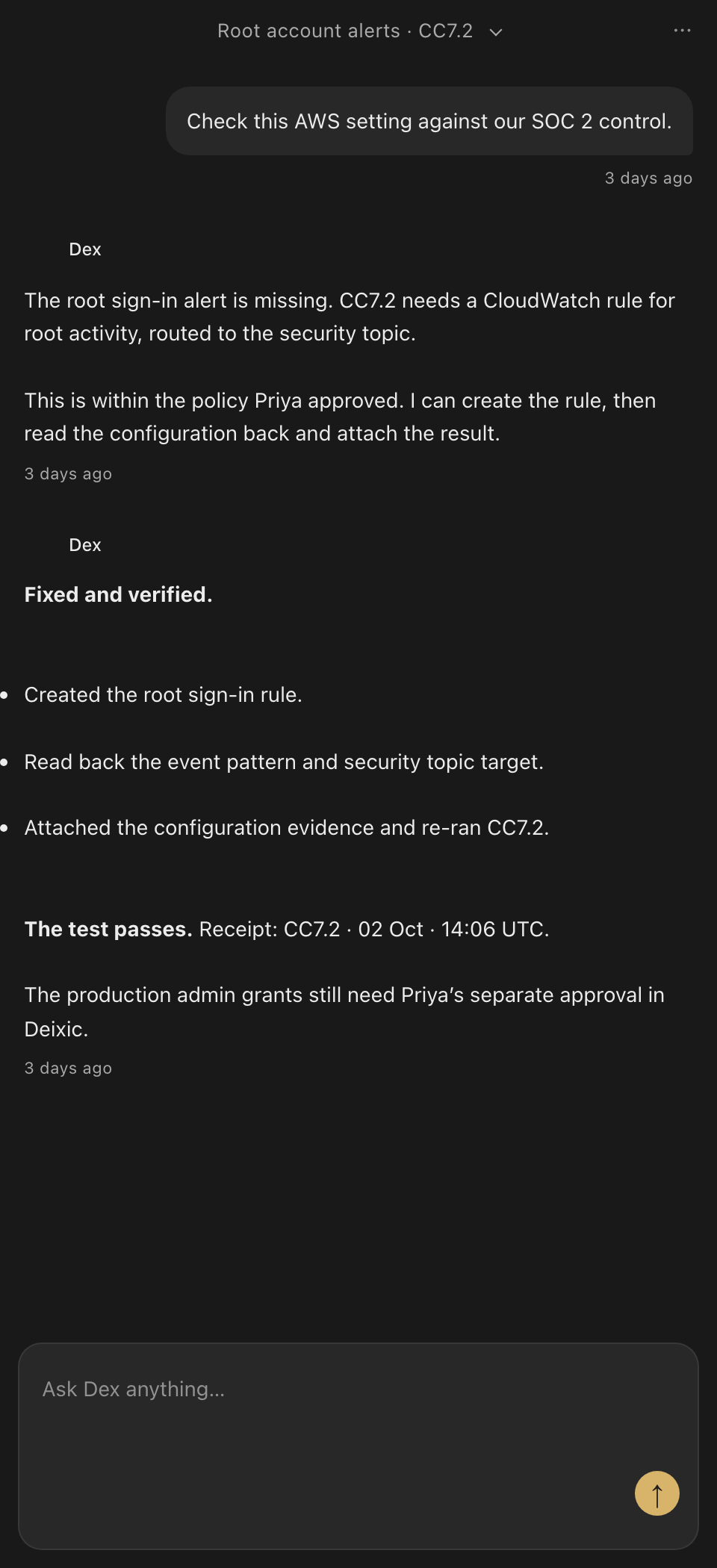
Open Dex in the side panel and ask about the page in front of you, such as a failing test or a finding. When a setting lives in an admin console, Dex does the clicking while you watch each step. Approvals are decided in the app queue or in Slack.
A setting in an admin console.
Example side-panel session with demo data.
- You
On a failing-test page: what does this test need?
- Dex
It needs the sign-in policy set to require a second factor. I can open the admin console and set it while you watch.
- Dex
Each click and field shows in the panel as it happens. The work continues in the same thread in the app.
Knows the page
Dex reads the page you have open, so you can ask about a finding without copying it.
Does the clicking
Dex fills forms, pulls tables, and moves through tabs while you watch every step.
Knows your company
The side panel uses the same company context and connections as the app.
Knows the sites you use
Built-in skills for GitHub, Gmail, Google Sheets, Slack, Notion, LinkedIn, and more, plus your team's own.
On every laptop from day one
IT rolls Dex out to the whole company with Chrome enterprise policy.
Debugs the page
Dex reads the console and network traffic and takes screenshots to diagnose a broken page.