deixicSOC 2 for growing companies.
Light canvas / default use
Deixic / Brand kit
The reference for using Deixic in product, press, and partner work: name, mark, color, type, and voice.
01 / The mark
The deixic wordmark is lowercase; keep it unmodified, use the Dex orb as the app mark in product chrome and app icons, and the one-color ghost glyph for the browser tab.
Light canvas / default use
Dark surface / product use

App mark
Download SVGUse the compact orb for app icons and small placements; neither mark changes the interface palette below.

The shaded character is for larger illustrations and social images, with twelve still states and three motion loops from one approved Blender master.
Download transparent 1024px PNG idlePNG · 256px
 greetingPNG · 256px
 listeningPNG · 256px
 thinkingPNG · 256px
 searchingPNG · 256px
 readingPNG · 256px
 executingPNG · 256px
 waitingPNG · 256px
 approval requestPNG · 256px
 blockedPNG · 256px
 verified completePNG · 256px
 restingPNG · 256px
Motion plays only when selected; use the PNG where motion is reduced or unavailable.
02 / Color
Light-theme values are shown below. Use orange for numbers and running states; status colors belong inside product panels and control tables.
Primary page background
#F5F5F5Cards and panels on canvas
#FFFFFFText, buttons, and links
#020202Full-bleed panels, footer, and product chrome
#050505Secondary text on canvas
#65615FBorders and dividers
#DCD8D5Numbers, live dots, and running states
#EF6A2A03 / Type
Display type carries the promise, interface type the product, and mono type only recorded values: agents, targets, amounts, and times.
Grow your business. Not your workload.
Review the failing control, approve the fix, and read the evidence.
CC8.1 · required reviews enabled · read-back verified
04 / Voice
Write for the founder, engineering, IT, or security leader getting SOC 2 work done at a growing company. Name the control, the change, and the verified result.
05 / In practice
Show the affected system, what changes, who approves, and how the result is verified. Keep the evidence beside the decision.
06 / Presentations
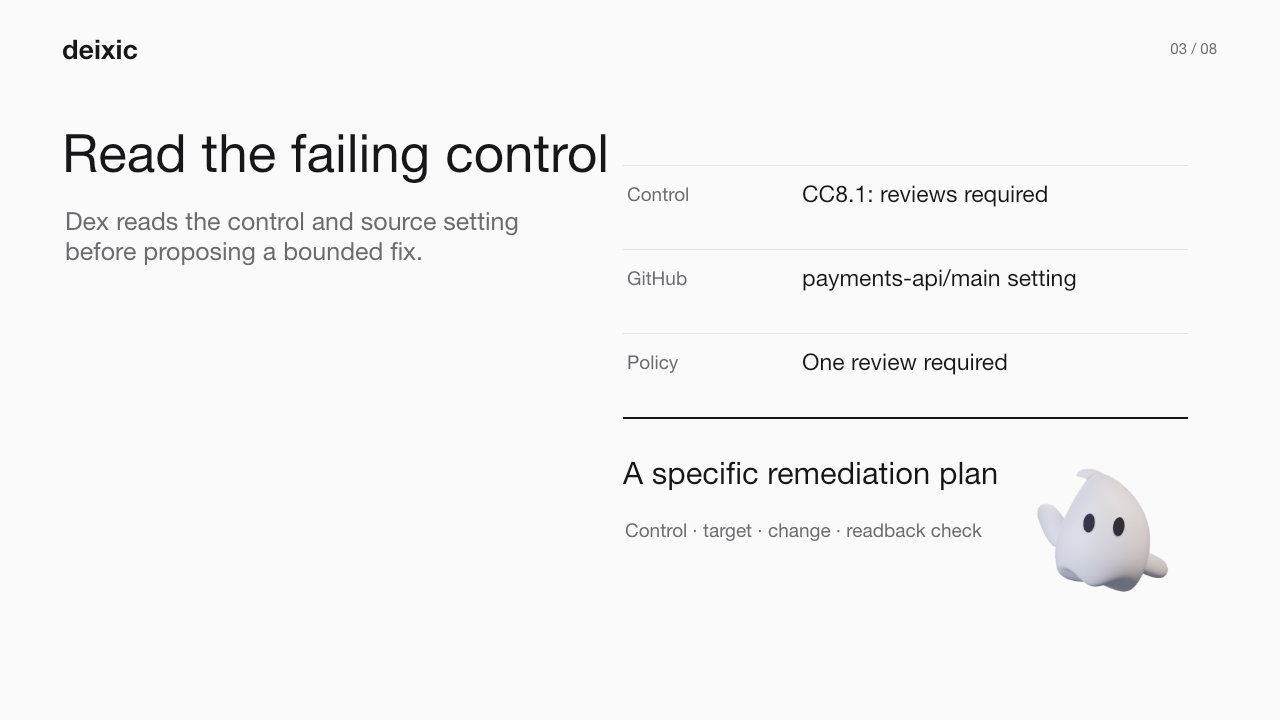
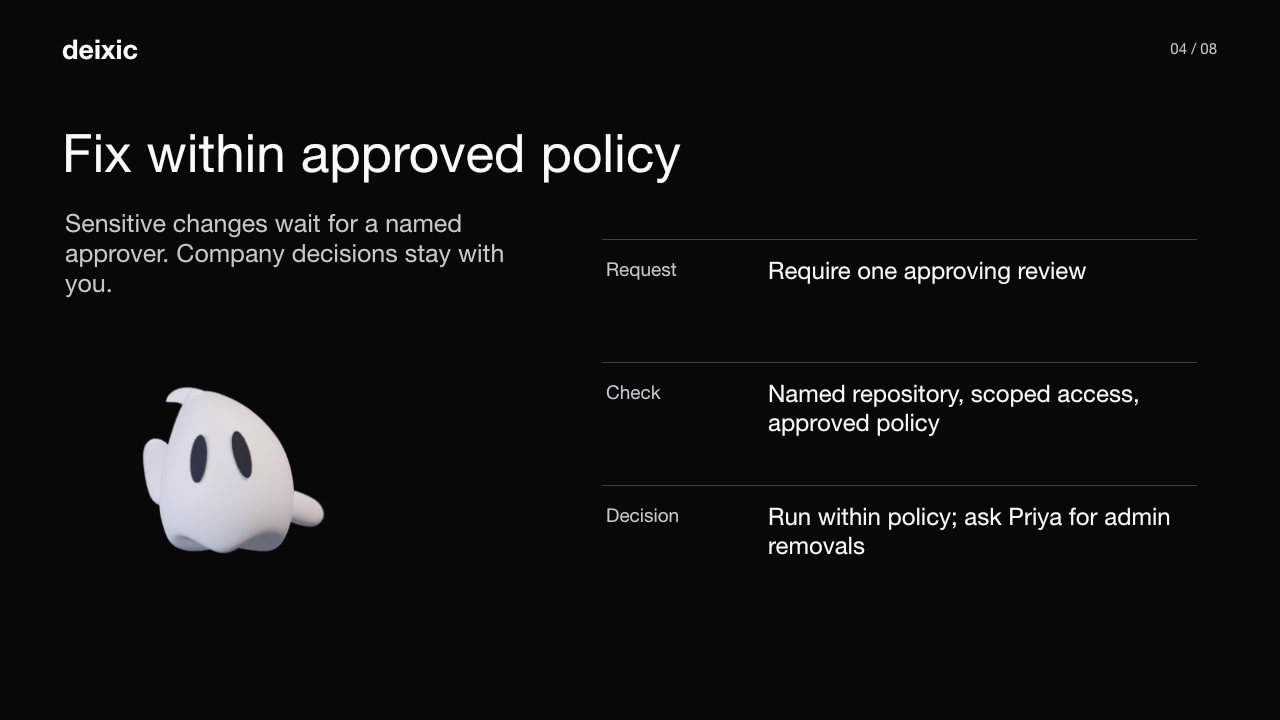
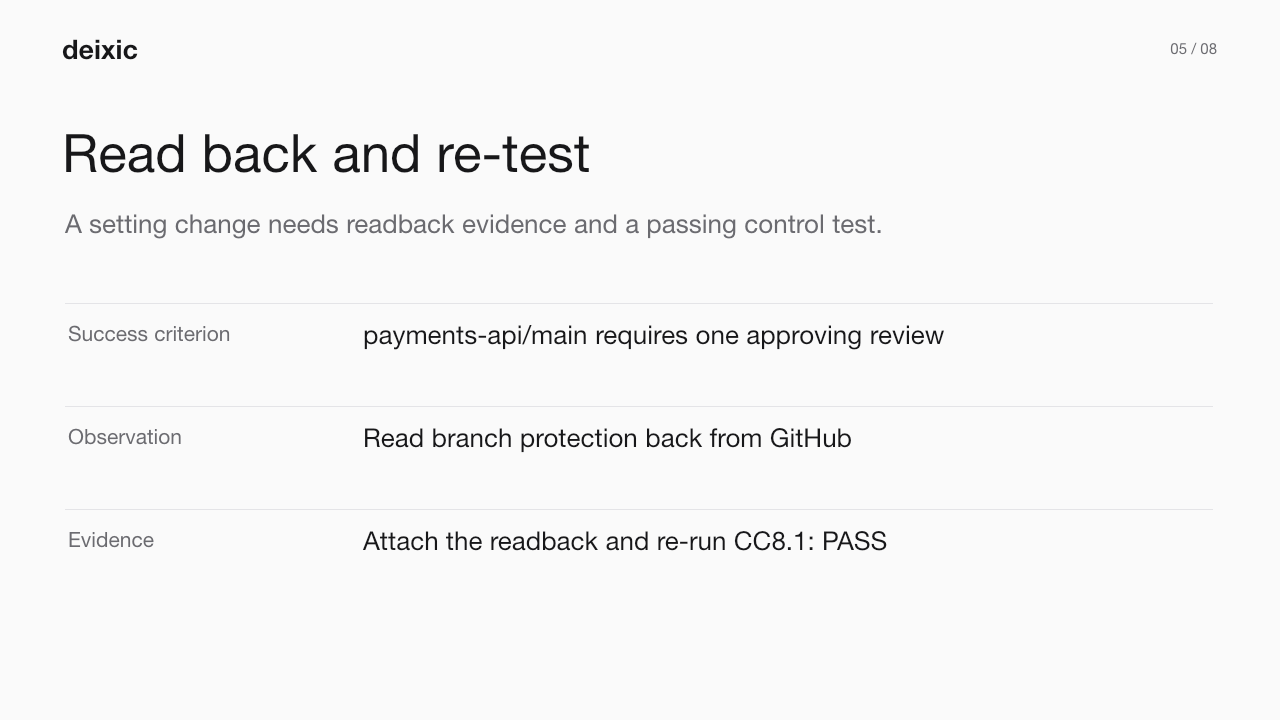
Two editable 16:9 decks; the SOC 2 example is illustrative, so replace template placeholders with verified details before presenting them as customer facts.
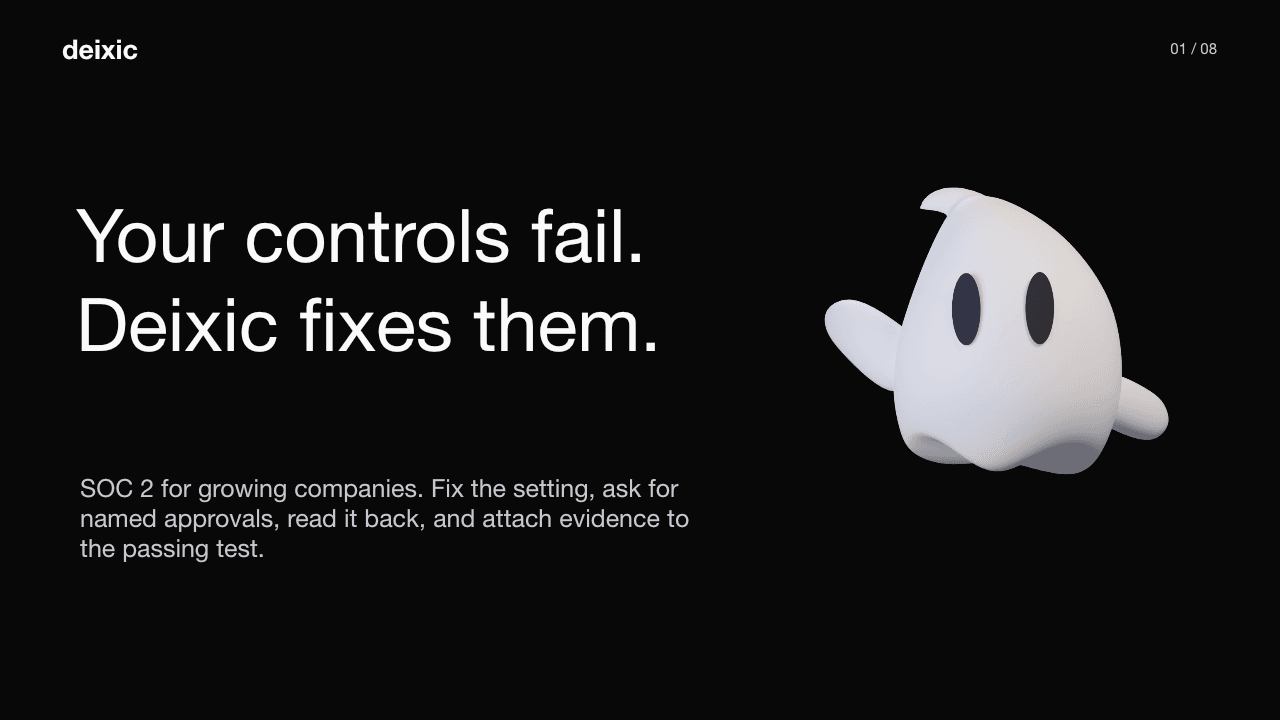
An illustrative SOC 2 workflow connects the failing control, the fix, verification, and the method kept for next time.
Download editable PowerPoint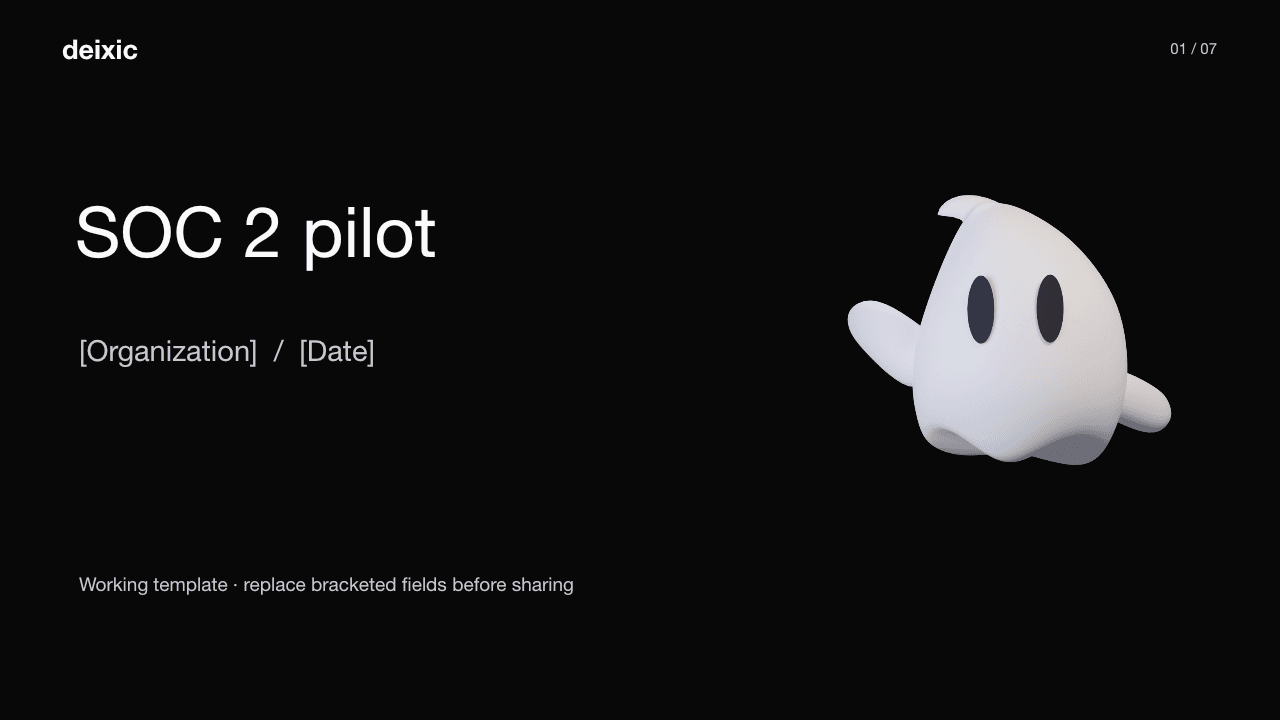
Fill in the job, source systems, authority, success check, recovery path, and pilot owner.
Download editable PowerPointSlide images for documents and posts
Share the system